WITHOUT going into the Router settings
On a Mac you can find your wifi password by using a Utilities application called Keychain:
- Go to Finder
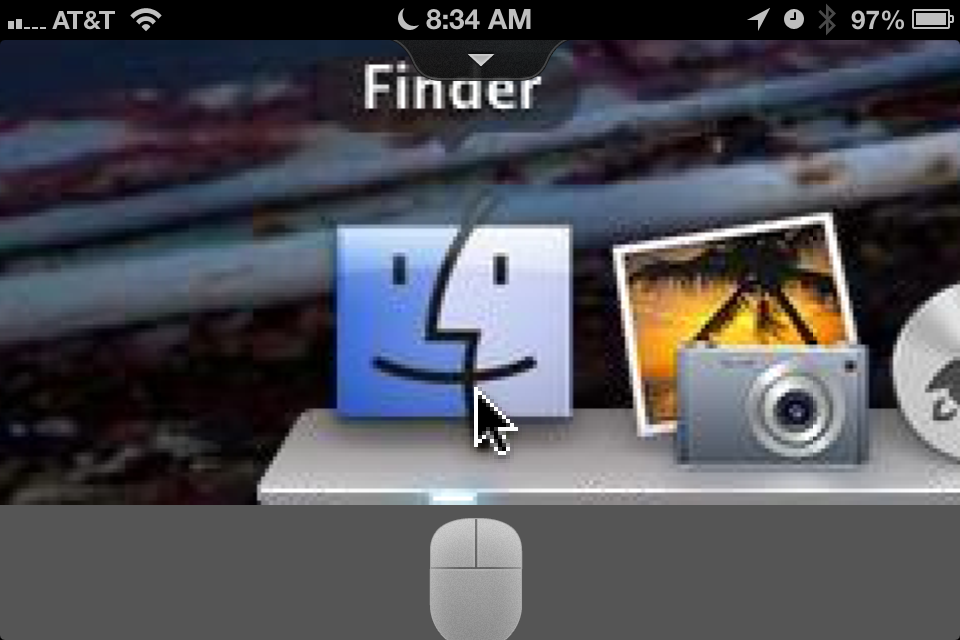
- Go to Applications

- Go to Utilities

- Open Keychain Access
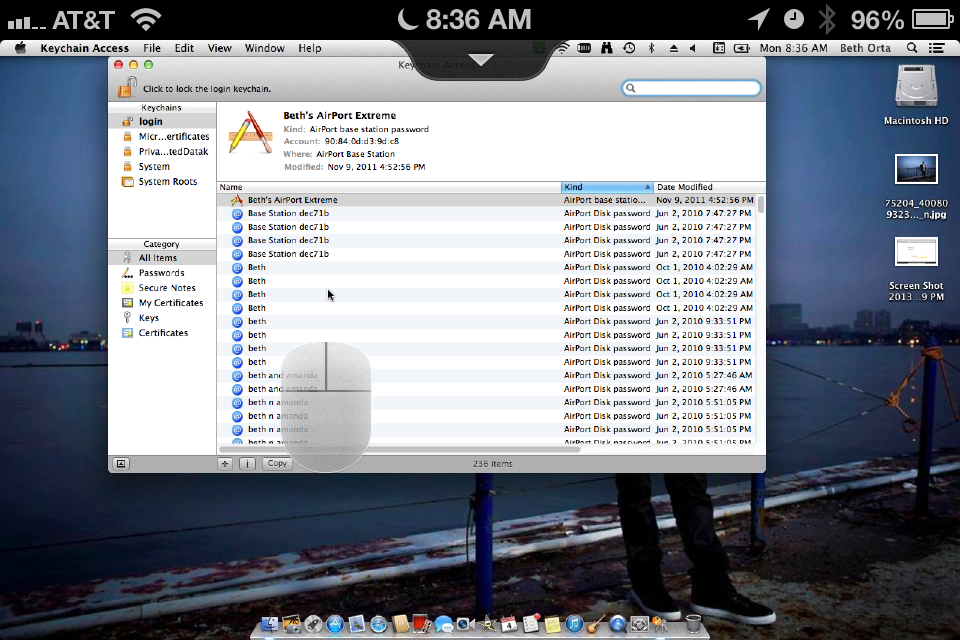
- Select or Search for your wifi name

- Click show password
- Enter in the Admin/user password for the COMPUTER
- Password will now show

On Vista, Windows 7 and Windows 8:
(See http://www.tech-recipes.com/rx/32748/finding-out-your-wifi-password-on-windows/)These directions should work on both Windows Vista and Windows 7 systems.
1.For this tutorial, I have all of my windows minimized, and the desktop is visible. However, this is not necessary for finding your password.

2.At the bottom right-hand side, you will notice a network icon. Click on it.

3.Right-click your wireless network connection, and select Properties from the drop-down menu.

4.You will notice the Wireless Network Properties window appear. Click Security at the top.

5.Check the “Show characters” box, and your WiFi password should now be visible.

