Be civil to all; sociable to many; familiar with few; friend to one; enemy to none. - Benjamin Franklin
Source
Friday, January 4, 2013

Thursday, January 3, 2013
Words of Wisdom 1/3/13 Thursday
@DonnieWahlberg: Dear Everyone, I just want to say hi & let you know that you are not "everyone". You are SOMEONE. Each of you special! Thanks for being you
Shared PhotoStream
There are several things that must be done in order to view Shared Photostreams and send Shared Photostreams.
The first and major one is to turn on PhotoStream.


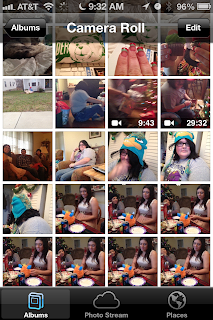


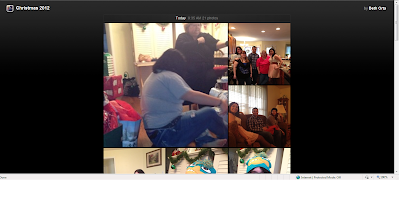

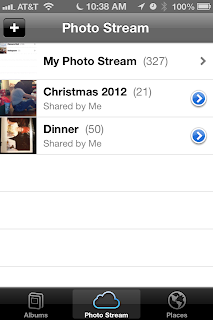

The first and major one is to turn on PhotoStream.
- Go to Settings

- Go to iCloud

- Select PhotoStream On.


Once you have PhotoStream On to Create a Shared PhotoStream:
- Go to Photos:
- Go to Camera Roll:
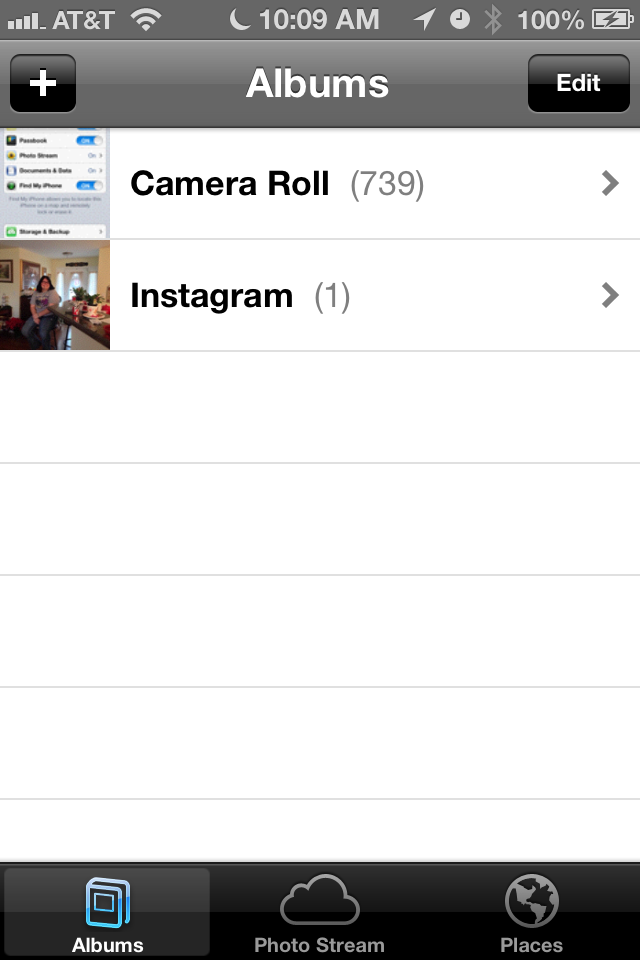
- Go to Edit

- Select Photos you want to add click Share

- Select PhotoStream

- Click Add to Photo Stream (Either select existing or create New)
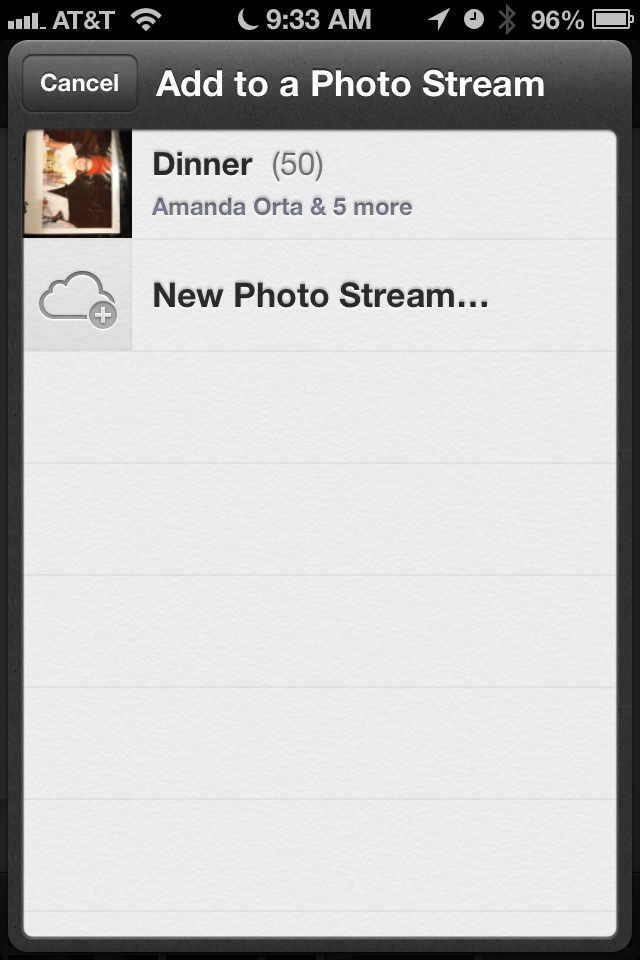
Enter in whom you want to share with, Name of Stream and whether you want it public.
NOTE: IF YOU ARE SHARING WITH PEOPLE WHO DO NOT HAVE AN IPAD/IPHONE/IPOD/MAC YOU NEED TO MAKE IT PUBLIC SO THEY CAN SEE IT!

- Your PhotoStream will show up under PhotoStreams.

- The request that is sent via email looks like this:

When you click on Join this Photostream:
- From a non-iOS device:

- When you make it public and click the view this photo stream on the web:

- From an iOS device:

- Once you click Join this Photo Stream it will send you right to your albums/PhotoStream and you will see the stream listed:

What you will see when someone accepts your PhotoStream request:

Wednesday, January 2, 2013
Words of Wisdom 1/2/13 Wednesday
@DonnieWahlberg: Shortcuts are the surest way to ensure a short stay at your destination. Hard work takes longer but makes for a more deserved & longer stay.
Tuesday, January 1, 2013
Words of Wisdom 1/1/2013 Tuesday
@HeartedQuotes: "May your coming year be filled with magic and dreams. And I hope, somewhere in the next year, you surprise yourself." -Neil Gaiman
Monday, December 31, 2012
iPhone and Yahoo Verification
iPhone and Yahoo Verification
When adding an Yahoo email to the iPhone sometimes the phone/Yahoo will tell you that you will need to get Verification with Yahoo in order for the email to work.
- To do this you will need to login to http://mail.yahoo.com:

- Login and select the Hi! section and select Yahoo Account Info:

- Confirm your password:

- Select Manage Apps and Website Connections

- Select Yahoo mail for iPhone and if there is no option to approve select remove and you should be able to receive and send email from your iphone.

Music Not Syncing to iPhone
Music not sycing?
If your music is not syncing to your iPhone the first place to check is to make sure that it shows a check mark next to Sync Music when your iphone is connected to itunes.

If you have a check mark next to Sync Music but it is not showing all of your music go to your music library and look next to the song if you see  then your music is on the cloud. You will need to download the songs in order for the music library to show all the songs.
then your music is on the cloud. You will need to download the songs in order for the music library to show all the songs. 
Subscribe to:
Posts (Atom)