Below are some screenshots of the iPhone app:
iPhone Tutorial mixed with Words of Wisdom and occasionally other device tutorials
Showing posts with label apps. Show all posts
Monday, June 3, 2013
Password Box- Password App
Password box is an app that allows you to input common passwords on your iPhone. The good thing about this is if you have Chrome on your computer you can also use it to add passwords or even log into sites on your computer by downloading the Chrome extension/app.
Below are some screenshots of the iPhone app:
Sunday, June 2, 2013
EWallet App
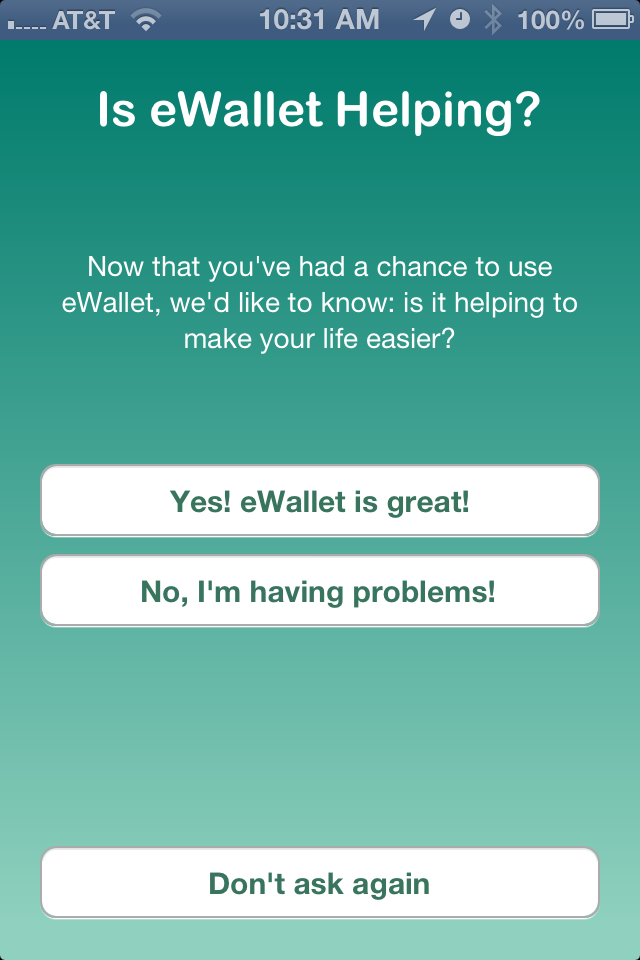
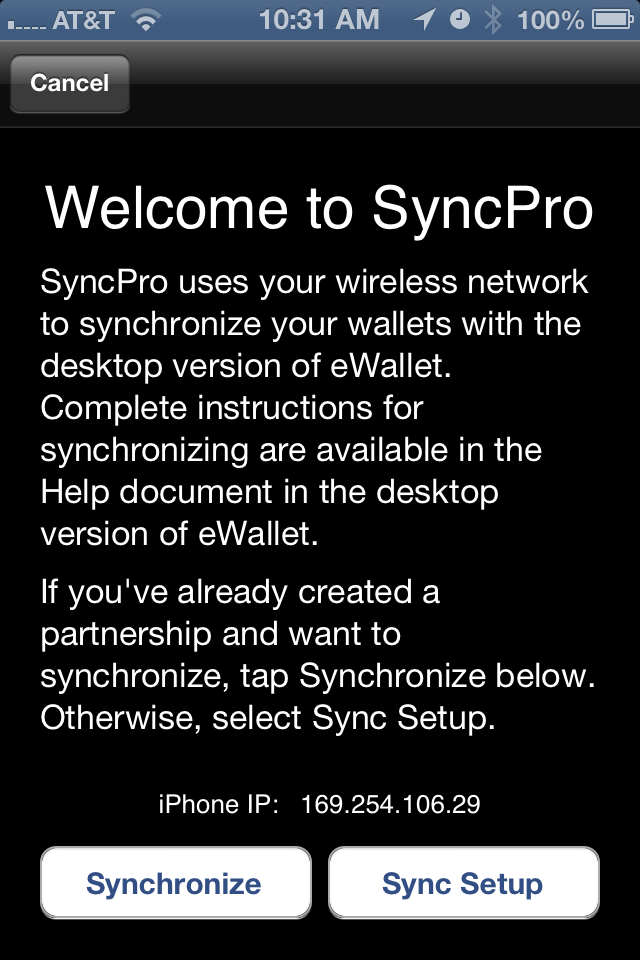
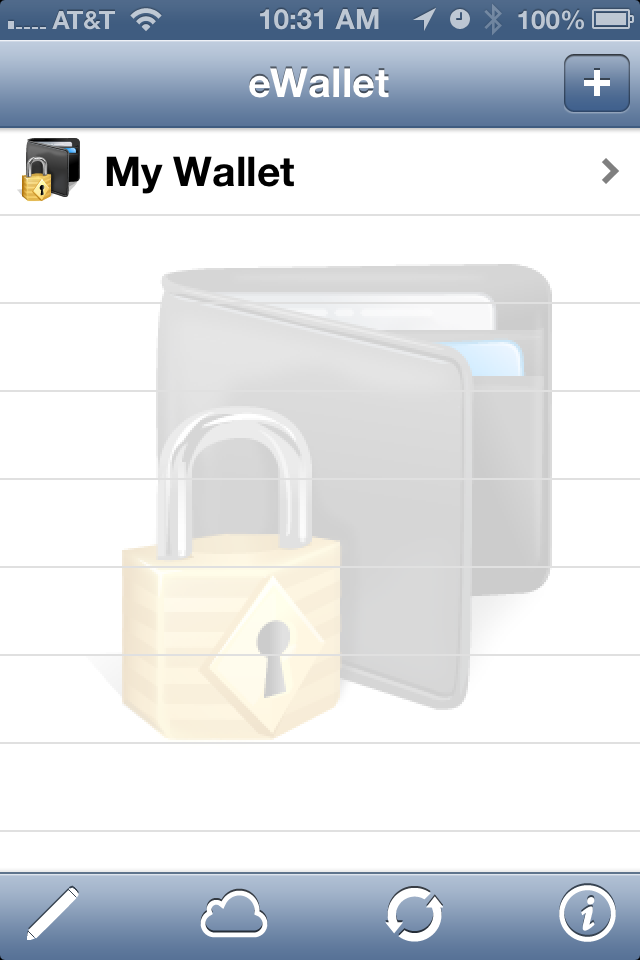
E-Wallet App is an app that allows you to create cards with infomration such as user names and passwords. This app can sync with a desktop version and can backup to e-wallet's cloud. Below are some screenshots:
Friday, May 31, 2013
Numbers App
Numbers is a good alternative to Excel on the iPhone. One of the great benefits is that you can upload Excel documents either through iTunes or iCloud and access them through the Numbers app, and vice versa.
Below are some app screenshots:
Thursday, May 30, 2013
Pages
Pages is a good alternative to Word for the iPhone. You can sync Word documents through iTunes or the iCloud to access them on your device and vice versa. Below are some app screenshots:
Thursday, May 9, 2013
iPad vs. iPhone Apps
If you are trying to have the same apps on the iPhone and the iPad please be mindful of something. Most apps will transfer between the two devices IF it has a plus symbol next to the price OR in the Description field it says Requires:
For the app to transfer to the iPad and the iPhone it does have to say in the required field that it is compatible with both.
In general you can tell because the App Store breaks it down by iPhone Apps and iPad apps:
A rule of thumb is if you don't see it in your Purchases then the app is not compatible with the device you are trying to download it to.
For the app to transfer to the iPad and the iPhone it does have to say in the required field that it is compatible with both.
In general you can tell because the App Store breaks it down by iPhone Apps and iPad apps:
A rule of thumb is if you don't see it in your Purchases then the app is not compatible with the device you are trying to download it to.
Friday, April 26, 2013
Thursday, April 25, 2013
Subscribe to:
Posts (Atom)