Google Maps for iPhone is back. You have to download it from the store but it is back!
- Go to the App Store

- Search for Google Maps and download.

- Open Google Maps

- Allow Google Maps to use your Current Location

- Accept the Terms and Conditions

- Sign in or you can skip

- Here is the new Google Maps!

- If you tap the three circles in the bottom corner it will give you a list of additional options:

- Traffic shows you the traffic in your route

- Public Transit shows you the Transit information for your area

- Satelite changes the view to the satelite view

- Google Earth opens the Google Earth App.
- If you tap the person in the top right corner it will take you to your info and you can click settings for a list of options


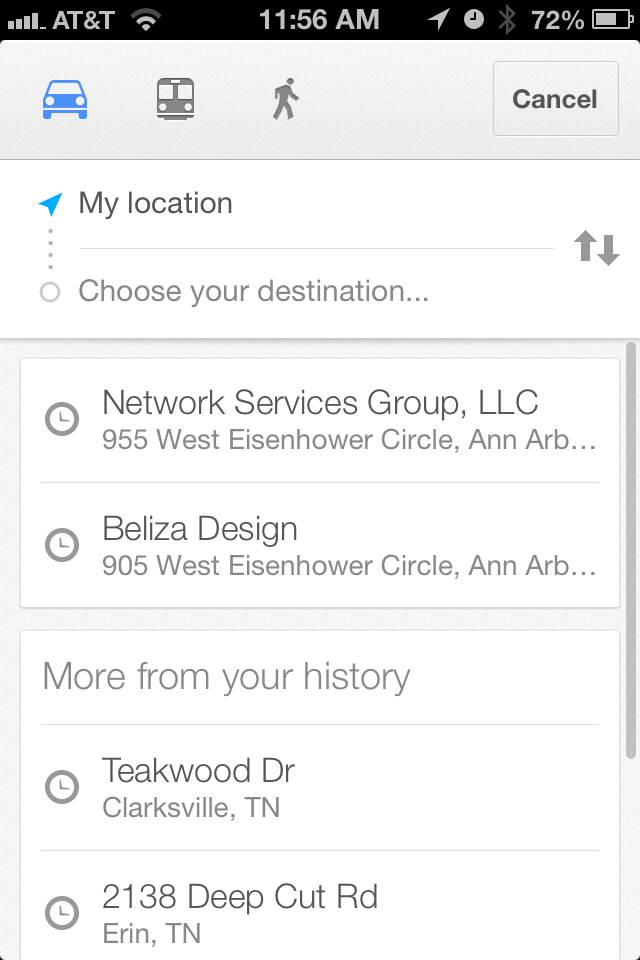
- If you click the arrow It gives you a list of options/locations and history that you can select.
- The arrow in the bottom left corner will allow it to "follow you"
- If you enter in an address in the search it will give you turn by turn
