Tuesday, June 4, 2013

Siri Tip of the Week 06/02-06/8/13


I thought I would do a Siri Tip of the week to show some of the many things Siri does, the good, the bad and of course the funny and ugly.
Siri can do relationships and nicknames, if you tell her. For example you can have Siri call you whatever you want (Princess, Master, are a few of the common ones).

  • This is fun to do press and hold the home button till Siri comes up.


  • Tell Siri Call me _____.


  • Siri will confirm that you want to be called that and will call you that.
  • You can confirm two ways  by going into your contact card and it will now have what you want her to call you or you can ask Siri “Who Am I” and she will tell you.


  • You can also set this up for friends by going into their Contact card and adding the nickname field and putting in what you call that person.


You can also have her know which contact is your daughter, which is your mom or husband.


You can do this two ways:

The way without Siri:

  • Go to Contacts


  • Select Your Contact (it has to be your name)


  • Click Edit


  • Scroll down to add field: 


  • Select Relationship (if you already had a relationship set up you will see that as you scroll down and it will have an option to add a relationship.)


  • Select the relationship type (this method only allows the ones listed below for other’s like Uncle and Friend you would have to use Siri)


  • Select the contact that fits that relationship.


Siri will now recognize that relationship: 


With Siri:
  • Hold the home button till Siri asks what can she help you with.

  • You can either say text my husband, who is my husband or so and so is my husband (for example)


  • Siri will then ask if you want her to remember this, say yes or tap yes.
  • Siri will then update your contact with the relationships and you can ask her to Call, Text, email, find etc that person.


Monday, June 3, 2013

Password Box- Password App

Password box is an app that allows you to input common passwords on your iPhone. The good thing about this is if you have Chrome on your computer you can also use it to add passwords or even log into sites on your computer by downloading the Chrome extension/app.

Below are some screenshots of the iPhone app:


Sunday, June 2, 2013

EWallet App

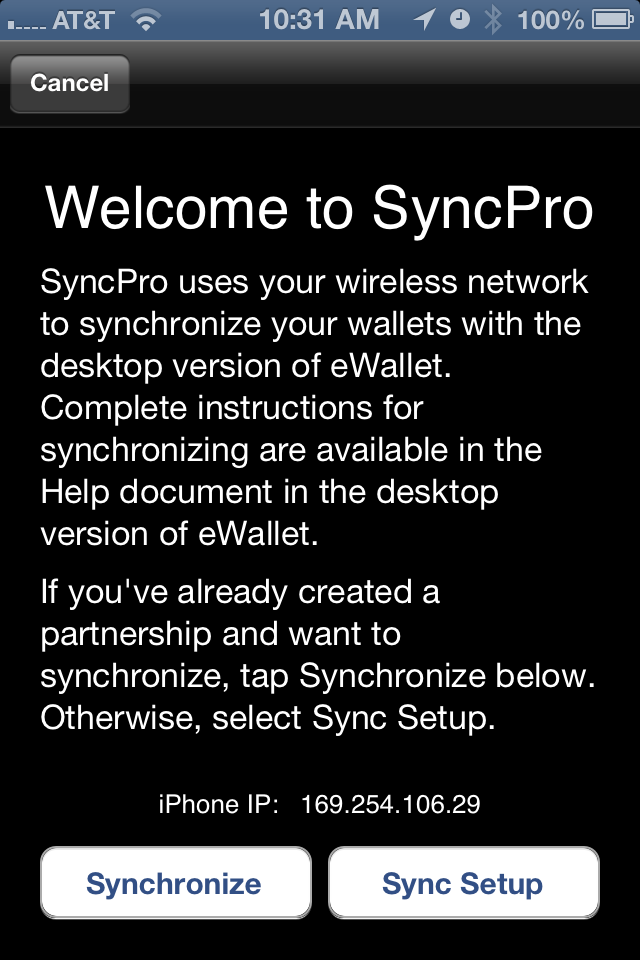
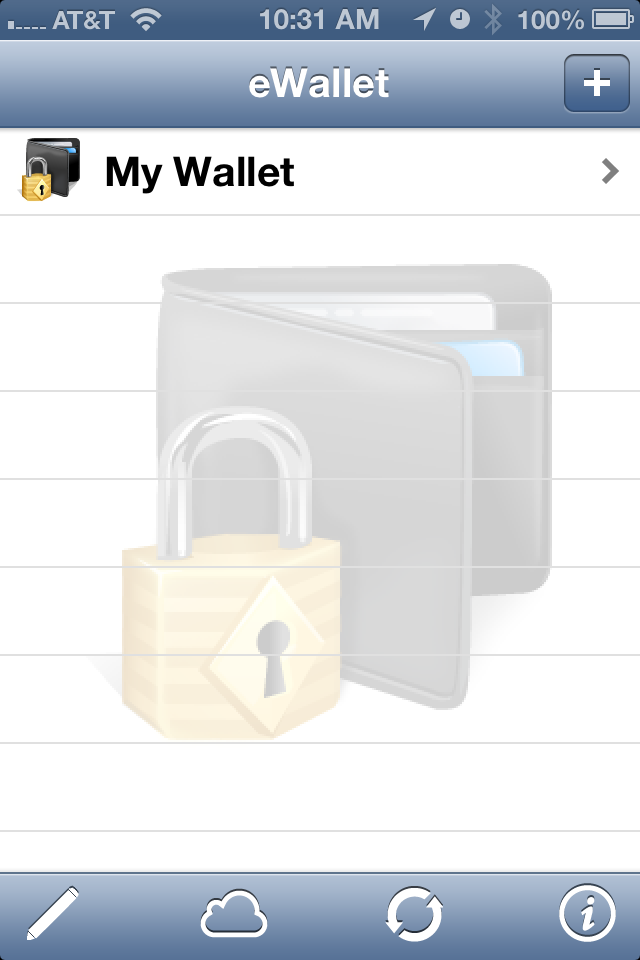
E-Wallet App is an app that allows you to create cards with infomration such as user names and passwords. This app can sync with a desktop version and can backup to e-wallet's cloud. Below are some screenshots:


Words of Wisdom 6/3/13-6/9/13

Monday 6/3/13

They that can give up essential liberty to obtain a little temporary safety deserve neither safety nor liberty.- Benjamin Franklin

Tuesday 6/4/13

If you would not be forgotten
As soon as you are dead and rotten,
Either write things worthy reading,
Or do things worth the writing.- Benjamin Franklin

Wednesday 6/5/13

Only a virtuous people are capable of freedom. As nations become more corrupt and vicious, they have more need of masters.- Benjamin Franklin

Thursday 6/6/13

He’s a fool who cannot conceal his wisdom.- Benjamin Franlin

Friday 6/7/13

Character is like a tree and reputation is like its shadow. The shadow is what we think of it; the tree is the real thing.
Abraham Lincoln

Saturday 6/8/13

Never confuse motion with action.- Benjamin Franklin

Sunday 6/9/13

The great lesson is that the sacred is in the ordinary, that it is to be found in one's daily life, in one's neighbors, friends and family, in one's backyard.
Abraham Maslow

Saturday, June 1, 2013

Wifi on Airplane Mode

Recently a lot of questions have been asked about whether or not you can use Wifi when in Airplane mode. This is something that can be done and if you are traveling overseas I would highly recommend it to keep you from receiving data charges.


  • Go to Settings: 


  • Turn on Airplane Mode: 


  • Go to wifi: 


  • Turn on Wifi: 


  •  Connect to your wifi: 

  • Connect to a website: